

Table of Contents
Deploying your first AI agent workflow does not require a six-month roadmap or a dedicated ML team. Automation Anywhere’s April 2026 data confirms that enterprises are getting first agents into production in as little as 8 weeks, with those agents resolving over 80% of employee service requests on average. The difference between teams that ship and teams that stall is not budget or talent. It is where they choose to start.
However, most B2B teams make the same mistake. They pick the most complex, customer-facing use case first. Then they spend months scoping, piloting, and debating architecture. The companies seeing real results are doing the opposite. They start with boring, internal workflows and expand from there.
Why Internal Workflows Win as Your First AI Agent Workflow
The logic is simple. Internal service workflows are high-volume, low-risk, and repetitive. IT ticket routing, HR policy questions, procurement approvals. These are the requests that pile up every week and drain operational capacity without anyone noticing until something breaks.
For example, Automation Anywhere’s customers report saving over $5 million annually on reduced ITSM licensing costs alone. That saving comes from deploying AI agents on internal help desk workflows, not from building elaborate customer-facing chatbots. The April 2026 report from Automation Anywhere makes the case clearly: enterprises that start internal ship faster and save more.
In addition, internal workflows carry lower reputational risk. A misrouted IT ticket is a minor inconvenience. A botched customer interaction is a lost deal. Starting internally lets your team build confidence with AI agents before the stakes get higher.
The 8-Week Deployment Pattern That Actually Ships
The teams deploying AI agent workflows in 8 weeks follow a consistent pattern. It is not a proprietary framework. It is a set of constraints that prevent scope creep from killing momentum.
Weeks 1 through 2 focus on workflow selection and data audit. Pick one workflow with at least 100 monthly requests. Map the decision tree. Identify the data sources the agent needs access to. Do not pick two workflows. Pick one.
Furthermore, weeks 3 through 5 cover agent build and integration. Connect the agent to a single system of record. Build the triage logic. Define escalation rules for edge cases. The agent handles resolution. Humans handle exceptions.
Consequently, weeks 6 through 8 are for testing and rollout. Run the agent in shadow mode alongside the human team for two weeks. Measure resolution rate, accuracy, and escalation frequency. Then go live with a phased rollout.
This timeline works because it eliminates the two biggest delays: multi-system integration sprawl and endless stakeholder alignment. One workflow, one agent, one integration.
Architecture Principles for a Fast AI Agent Workflow
Fast AI agent deployments share three architecture principles that keep complexity from creeping in.
First, single-workflow scope. The agent owns one workflow end to end. It does not coordinate across departments or systems on day one. Expansion comes after the first agent proves ROI.
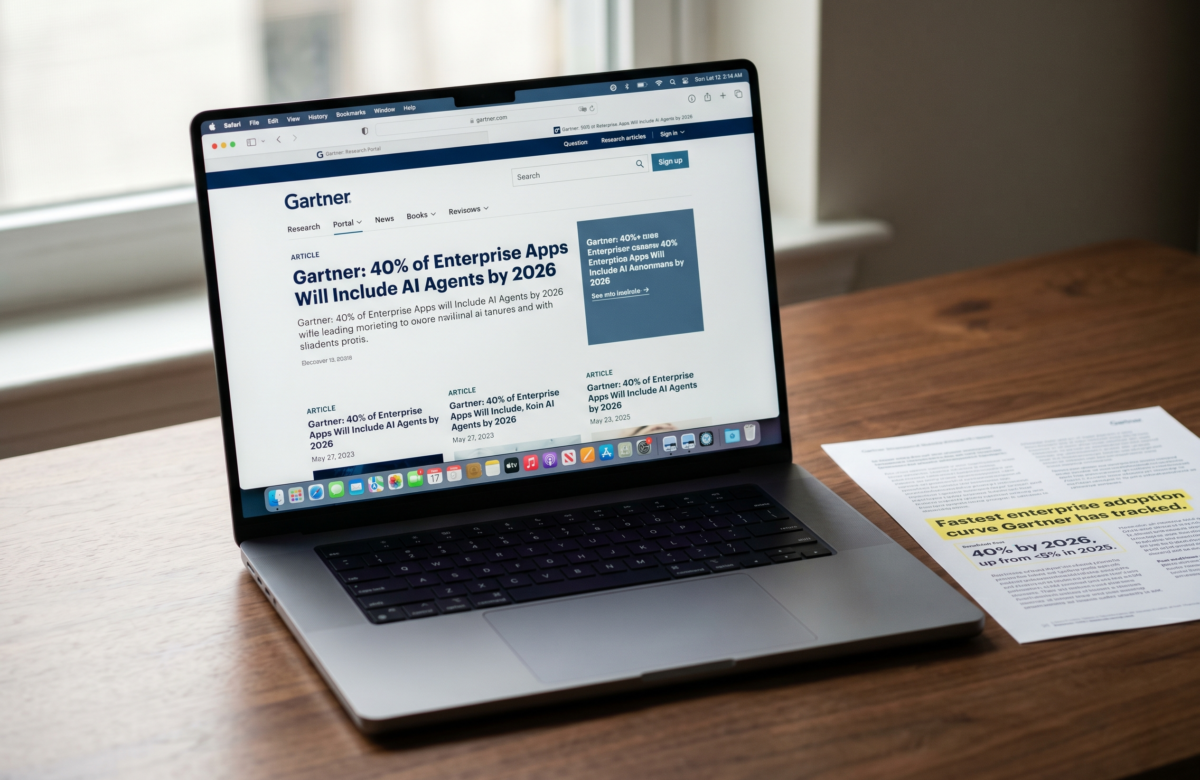
As a result, integration stays minimal. One system of record. One data source. One escalation path. Gartner estimates 30% of enterprises will deploy agentic AI in production by end of 2026, and the ones hitting that timeline are the ones keeping first-agent architecture deliberately simple.
Therefore, the success metric is resolution rate, not adoption. Tracking “how many people used the AI” is vanity. Tracking “how many requests the agent resolved without human intervention” is the number that proves value and justifies expansion.
Real Numbers: What 80% Resolution Rate Means for Your Team
An 80% resolution rate on internal service requests is a meaningful operational shift. For a team handling 500 IT tickets per month, that means 400 tickets resolved without a human touching them.
In contrast, most teams before AI agent deployment operate at 0% automated resolution. Every ticket, no matter how routine, requires a human to read, categorize, and respond. The cost is not just labor. It is context switching, delayed responses, and accumulated backlog.
Automation Anywhere’s data shows enterprises reducing ITSM licensing costs by up to 50%. That figure translates to over $5 million in annual savings for large organizations. The savings come from needing fewer service desk seats, not from eliminating jobs. The humans who previously handled routine tickets now focus on complex escalations and process improvement.
For B2B startups and mid-market teams, the numbers scale proportionally. Even a team processing 100 internal requests per month reclaims significant operational hours when 80 of those requests handle themselves.
How to Pick Your First AI Agent Workflow and Start This Week
The selection criteria are straightforward. Look for workflows that meet three conditions: high request volume (50+ per month minimum), repetitive decision logic (most requests follow the same 3 to 5 resolution paths), and a single system of record (the data the agent needs lives in one place).
For example, IT password resets, VPN access requests, and software provisioning are strong candidates. HR onboarding questions, PTO policy lookups, and benefits enrollment inquiries work well too. Procurement approval routing for standard purchase orders under a set threshold is another proven starting point.
The common mistake is picking a workflow that requires judgment calls or cross-departmental coordination. Save those for agent number two or three. Your first AI agent workflow should be boring enough that nobody will miss the manual process.
At Lumeneze, the approach to AI automation starts with mapping exactly these kinds of internal bottlenecks before touching anything customer-facing. The fastest path to measurable ROI runs through the workflows nobody brags about at conferences.
Start with the help desk. Ship in 8 weeks. Expand from proof, not from plans.